How it works
One link per job, sent by text. The trade taps the stage. The person at home sees it, live. No app, no login.
- 1The trade books the jobIn TurnUp, or in ServiceM8.
- 2You get one linkBy text or WhatsApp.
- 3It moves as they doBooked in to Job done.
Four words. One colour each.
Read without reading, the second time.
Booked in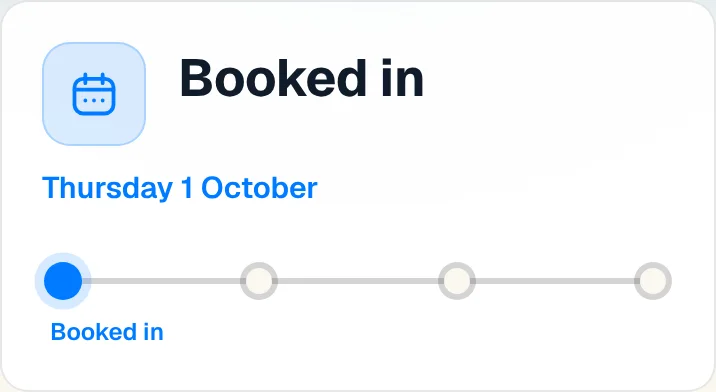
On my way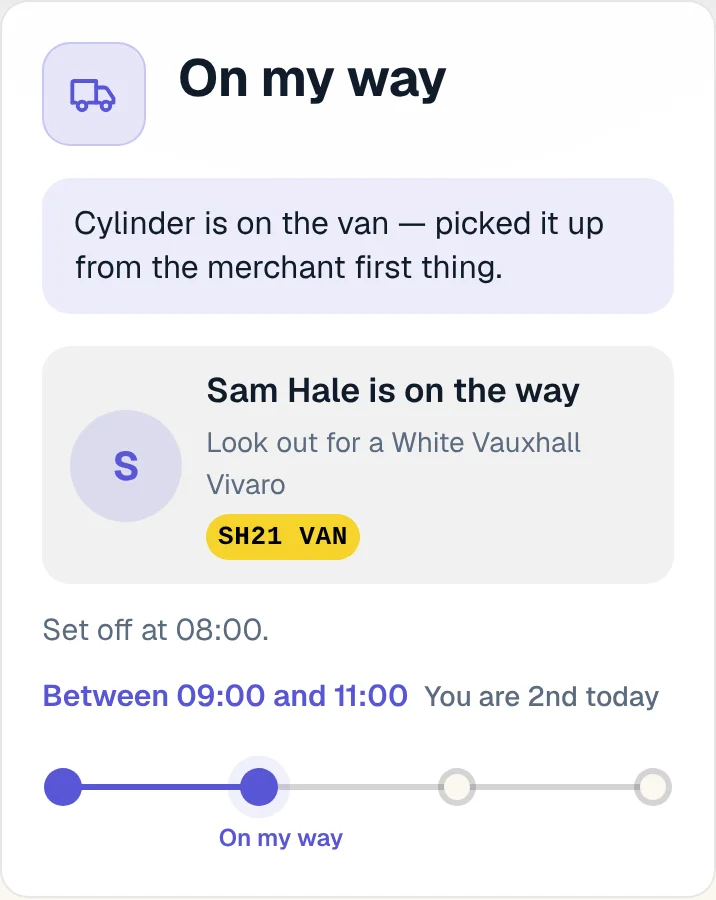
On site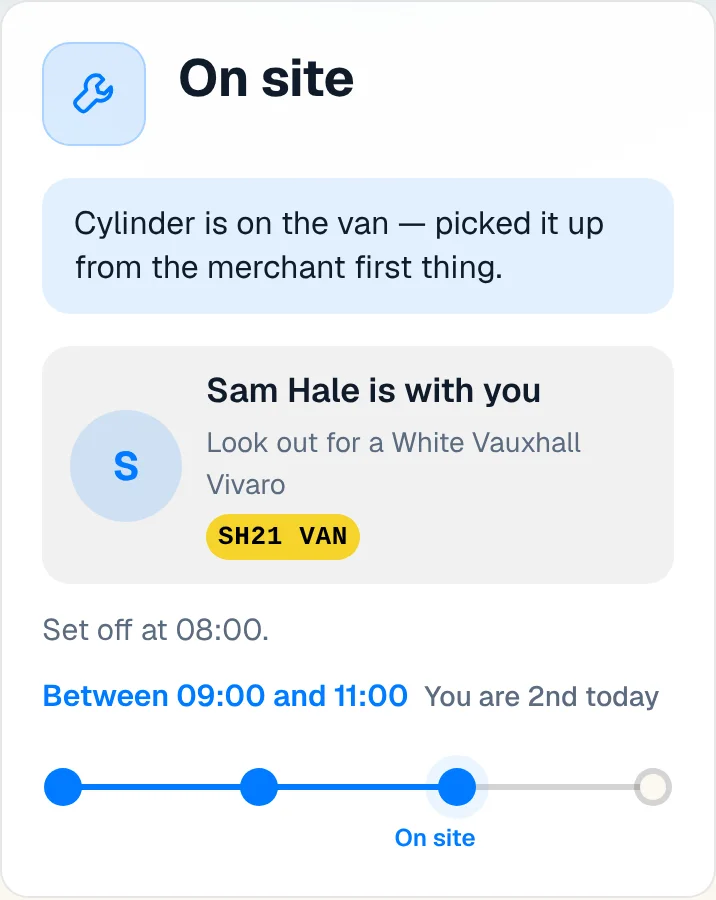
Job done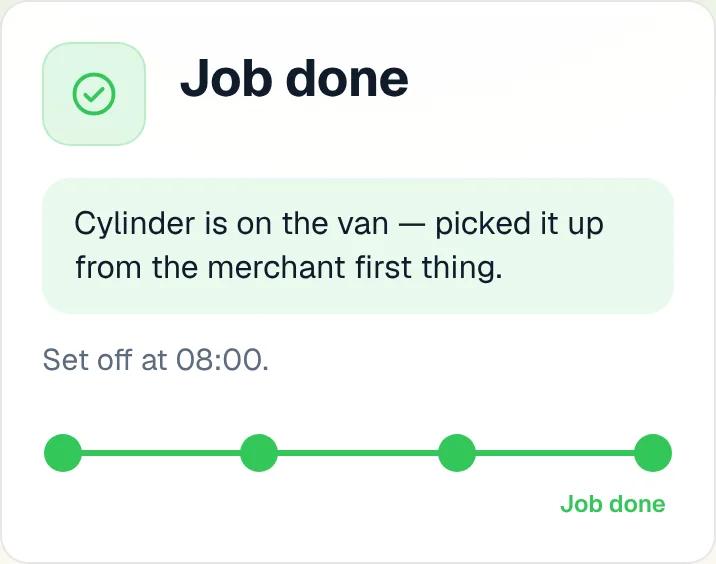
Paused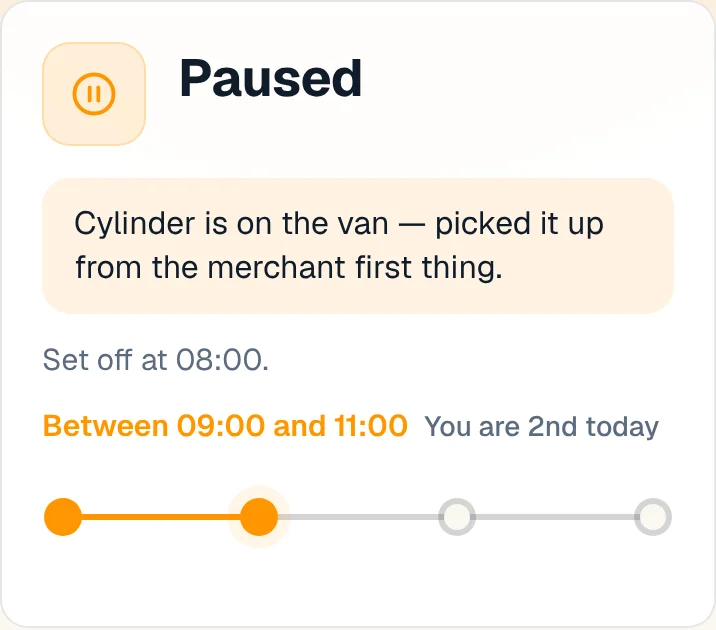
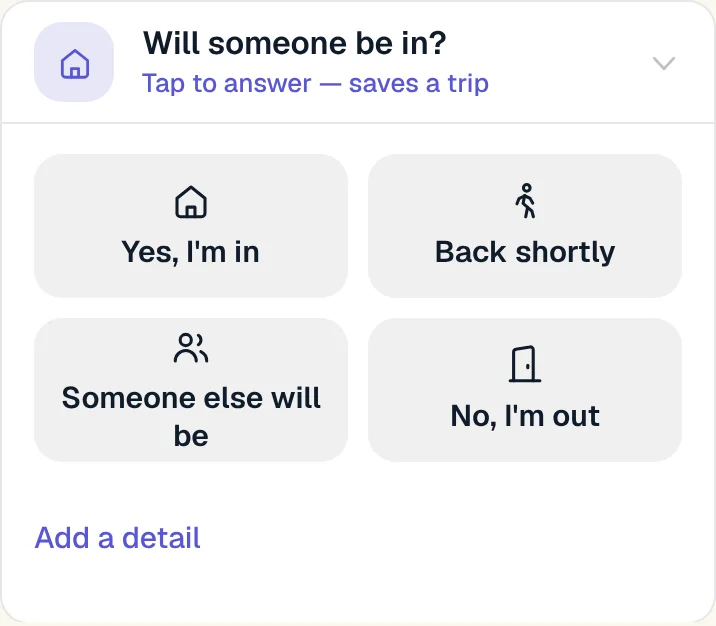
What the person at home can do
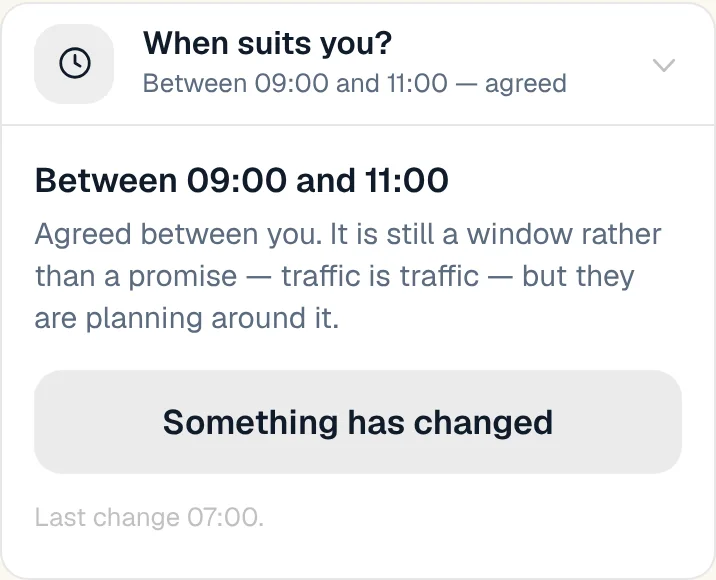
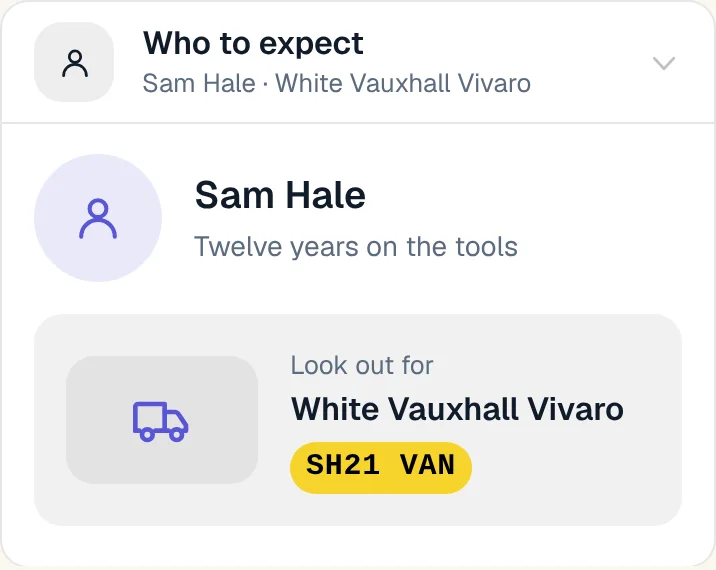
Each row, one tap. Nothing to install.
What the trade taps
Five buttons on a phone, next to the van. Or say it in plain words.

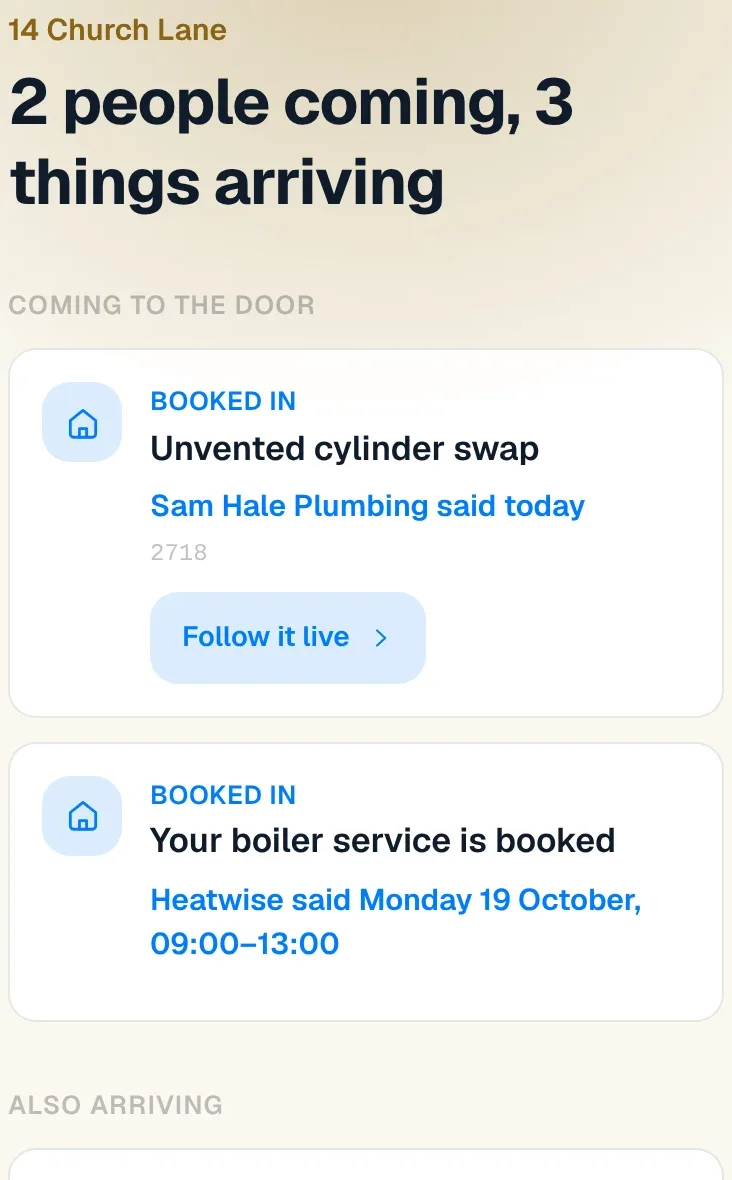
And for the house
The plumber, the sofa, four parcels. One card, and a record of the house.
Everything it does today
Live now. Nothing here is a promise.
51 things, live todayShow the listFold it
- Home: your own door, in the app
- Chat first: say it, review it, confirm it
- The Home Record: what is in the house, who said so, what has been done
- Report a problem
- One number for every job
- A note only you see
- One job, two sides
- Job done? On my way to the next one, offered
- Ask it or tell it
- Terms agreed before the day, in one tap
- Your data: download it, delete it, and it goes on its own
- Are you still coming?
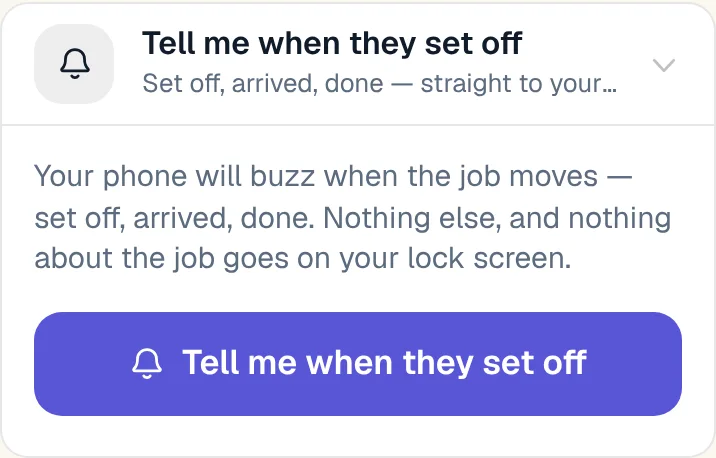
- Your phone buzzes when they set off
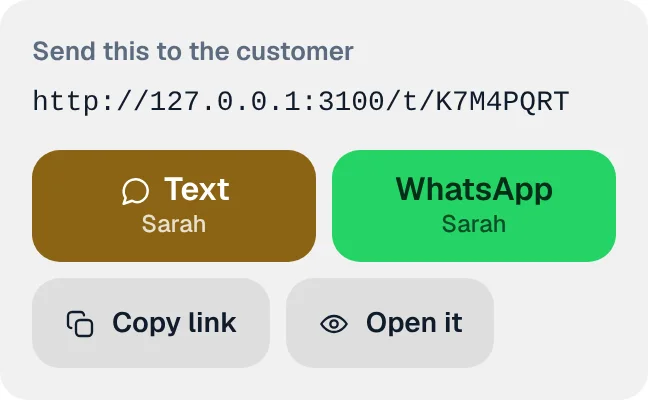
- One link per job
- Text or WhatsApp in one tap
- Face ID sign-in
- Agree the window, do not announce it
- Arrival window you can narrow
- Where they are in the day
- Will someone be in?
- What you tell them stays between you
- Which door, the dog, what3words
- Navigate to the job
- Drop a pin with one tap
- what3words and dropped pins that open
- Photos of the house and the door
- Your logo on the page
- Who is coming and what they drive
- Paused, and when you are back
- A revised promise is shown as revised
- Put it in my calendar
- Add to home screen
- How did it go?
- The customer is running late too
- The page says how fresh it is
- A tap with no signal still counts
- Follow every ServiceM8 booking
- This week in ServiceM8: did the link go?
- The day before: still fine, someone else, or move it
- Attendance record as a spreadsheet
- ServiceM8 follows the job
- The card moves itself
- Running late, one tap
- Ask for the review at the right moment
- The day-before reminder that answers back
- When the window ends and nobody is there
- Customer not home, in one tap
- A picture when the link is pasted into WhatsApp
- The van on the map while you are On my way
- Van details from the number plate
- The card in Apple Wallet
Want it?